Unlocking Stellaris DLC on Steam Using CreamInstaller
 James
JamesIntroduction
czp’s blog covered using CreamInstaller to unlock DLC for Steam games in their article “Using Cozy to Buy Paradox Games DLC”, but some of the information has become outdated. I’m updating it here.
Version of Stellaris at the time of writing: 4.2+
Automated Crack
Stellaris DLC Unlocker - tool to automatically unlock all dlc in Stellaris completely free
No need to say more - just run the tool as provided, and it will complete the CreamAPI and DLC file download work for you.
However, there’s a problem - I’ve already purchased several DLCs on Steam, and at this point there’s a bug where the launcher shows the DLCs, but when entering the game it prompts that they’re not installed.
If you haven’t purchased Stellaris DLCs on Steam yet, testing shows it works in one step.
Semi-Automated Crack
This can avoid the problem I mentioned above and should be general-purpose. First, obtain
Automatically finds all installed Steam, Epic and Ubisoft games with their respective DLC-related DLL locations on the user's computer, parses SteamCMD, Steam Store and Epic Games Store for user-selected games' DLCs, then provides a very simple graphical interface utilizing the gathered information for the maintenance of DLC unlockers.
Afterwards, run CreamInstaller.exe. Select Stellaris
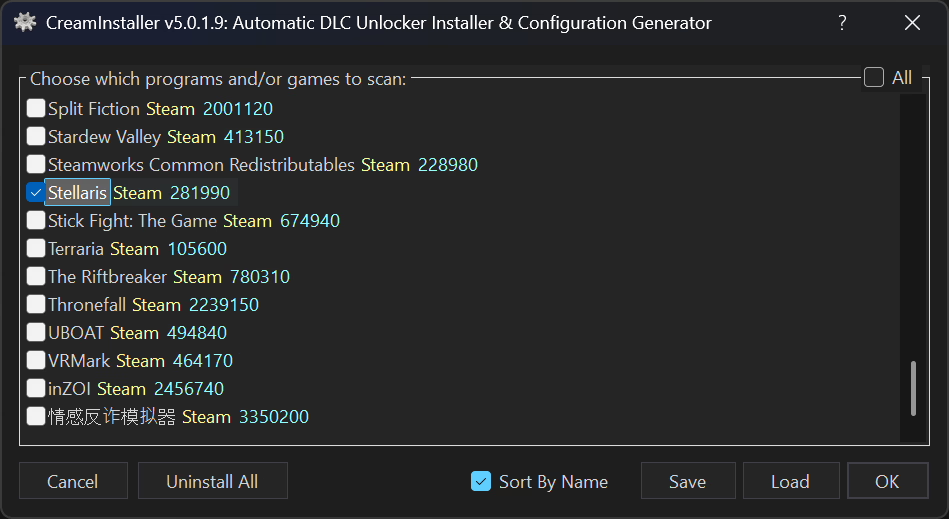
Load and check the corresponding DLCs; recommending against checking “Use SmokeAPI” here
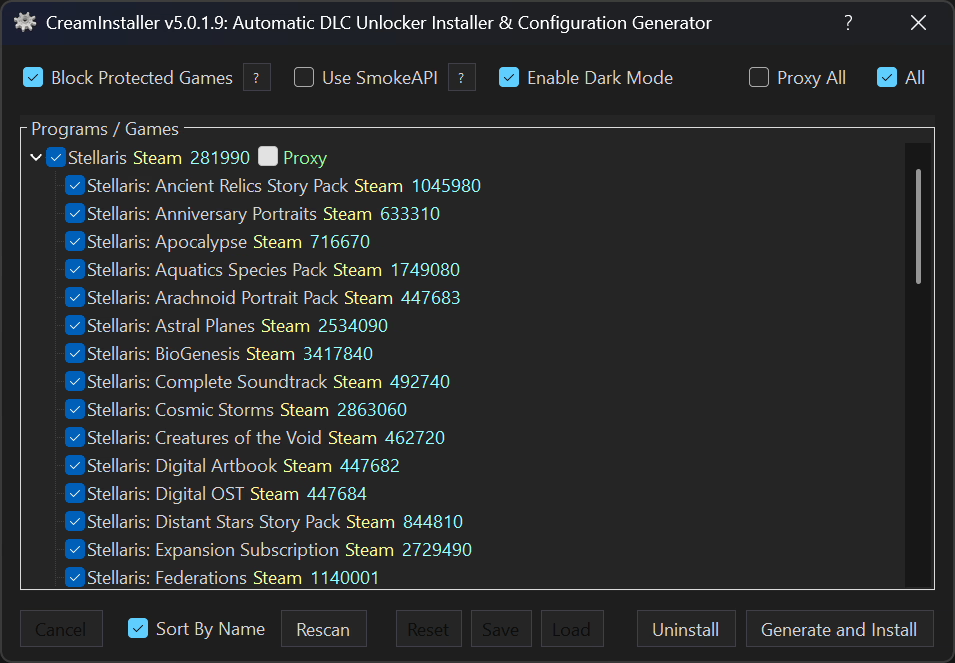
Finally, generate and install
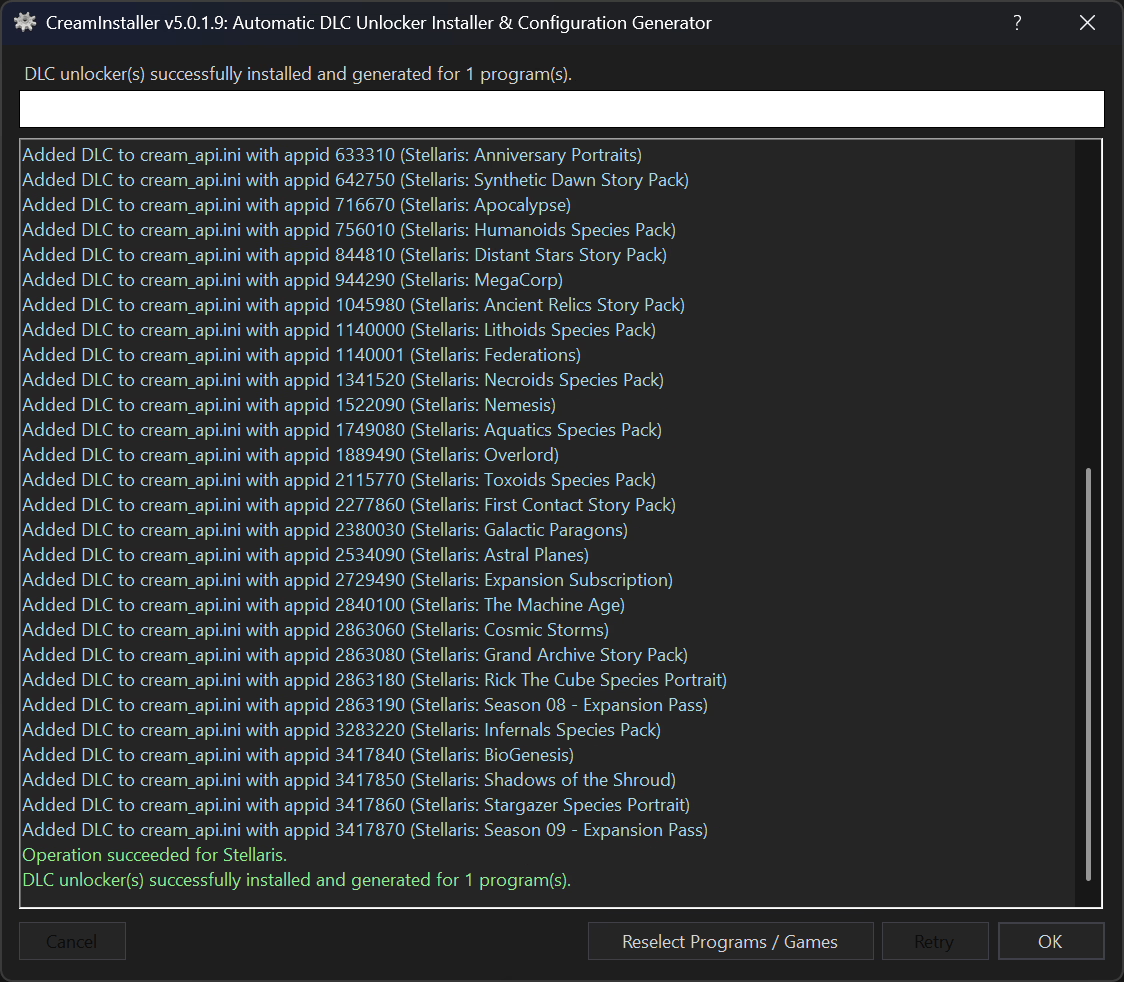
Installing DLC Files
Download and extract
solaris-4.2+.zipExpect to see the following structure
- 1. launcher
- 2. game
- dlc
- README - Instructions .txt
Simply copy the entire dlc folder to the directory where your Stellaris game files are located (most likely in the form SteamLibrary\steamapps\common\Stellaris).
Additional Notes
solaris-4.2+.zip is provided by seuyh/stellaris-dlc-unlocker. Theoretically, following its README instructions for installation is equivalent to using its automated installer. I’m just borrowing its DLC files here.
SmokeAPI was previously detected and blocked by Steam, but the developer made improvements, so it can now be “reused”; otherwise, use CreamAPI. Since it’s still in testing phase, it’s not recommended to use by default, but it can serve as an alternative.
Related Content
- Deploying DeepSeek R1 Distill Series Models on RTX 4090 With Ollama and Optimization
- Fix the Issue of Flarum Emails Not Being Sent Due to Queue.
- Use Docker Compose to Deploy the LobeChat Server Database Version
- Migrate the Docker-Deployed Umami From One Server to Another.
- Config VLESS Protocol With Advance Feature in Sing-Box